
Deutschlandticket (Germany ticket) in the LüMobil app
Your Deutschlandticket will be on your smartphone in just a few steps. Simply follow the brief instructions. Is the ticket for someone else? Please log in to the LüMobil app using the details of the person who will be using the ticket.

Download the LüMobil app
Download the free LüMobil app onto your smartphone and open the app.


Open the app
Follow the brief introductory steps in the app. Tap the menu icon in the top left-hand corner to open the main menu.


Log in
In the main menu, select ‘Anmelden’ (Log in).


Enter your login details
Please log in using your existing login details from our subscription management system.


Show the Deutschlandticket
In the main menu, open the ‘Aboverwaltung’ (Subscription Management). You will automatically see your Deutschlandticket there.


Always have your ticket to hand
Your Deutschlandticket will appear on the home screen once you have logged in. Please show your ticket and photo ID during ticket inspections.

Forgotten your password?
No problem. Please enter your email address. You will receive a link. You can use this link to log in again.

No Deutschlandticket?
Open the ‘Aboverwaltung‘ (subscription management) section. Tap ‘Abo hinzufügen’ (Add subscription). You can then order the Deutschlandticket.
Good to know:
Sign up once.
Your ticket is always with you.
Valid on local transport throughout Germany.
Got a new mobile? Simply reload your ticket.
Alternatively, you can order your Deutschlandticket directly here:
Deutschland-Schulticket
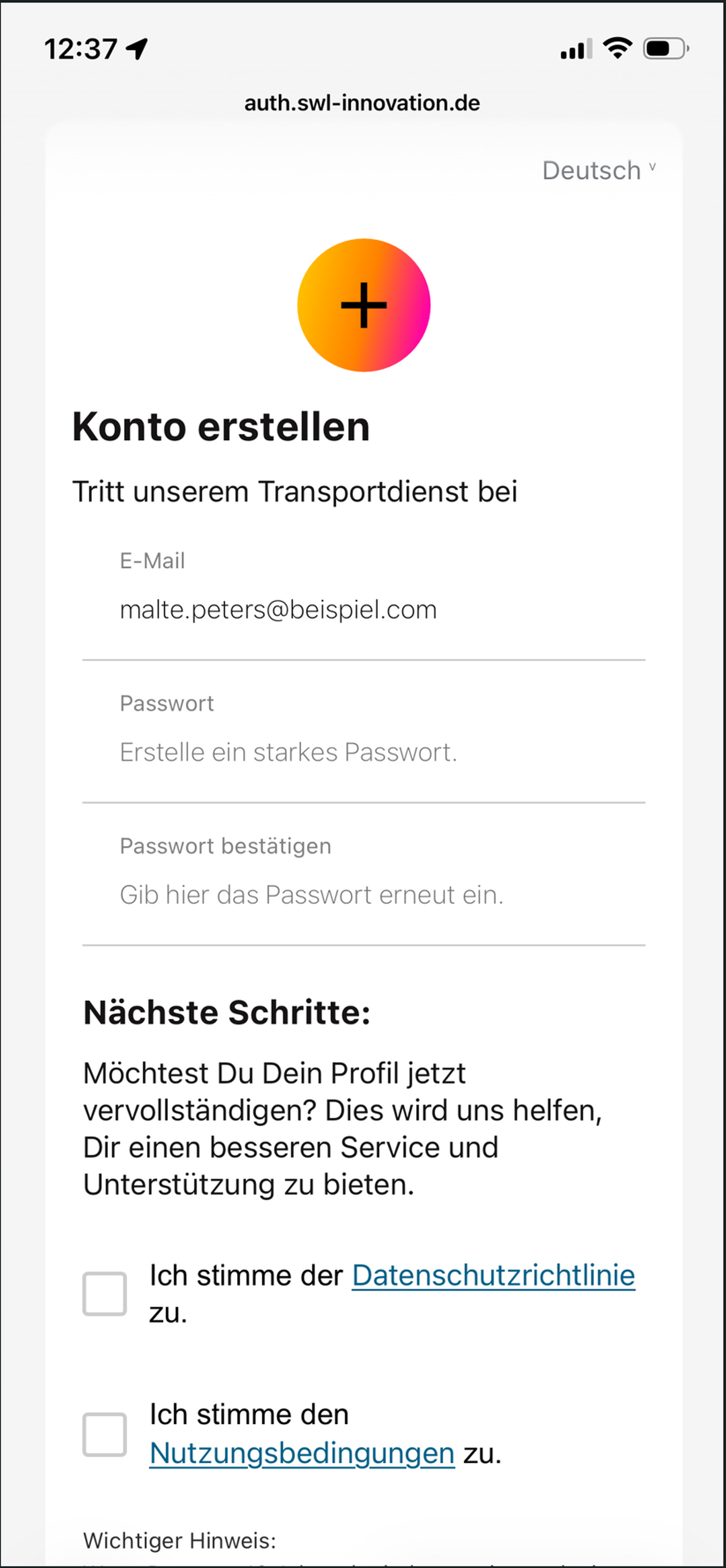
To view your child's Deutschland-Schulticket in the LüMobil app, they need their own account. Please create a new account directly in the app using the email address you provided for the user at the time.
Download the App for Free Now
Simply download the LüMobil app and stay mobile!